ClipKeeper
A downloadable App
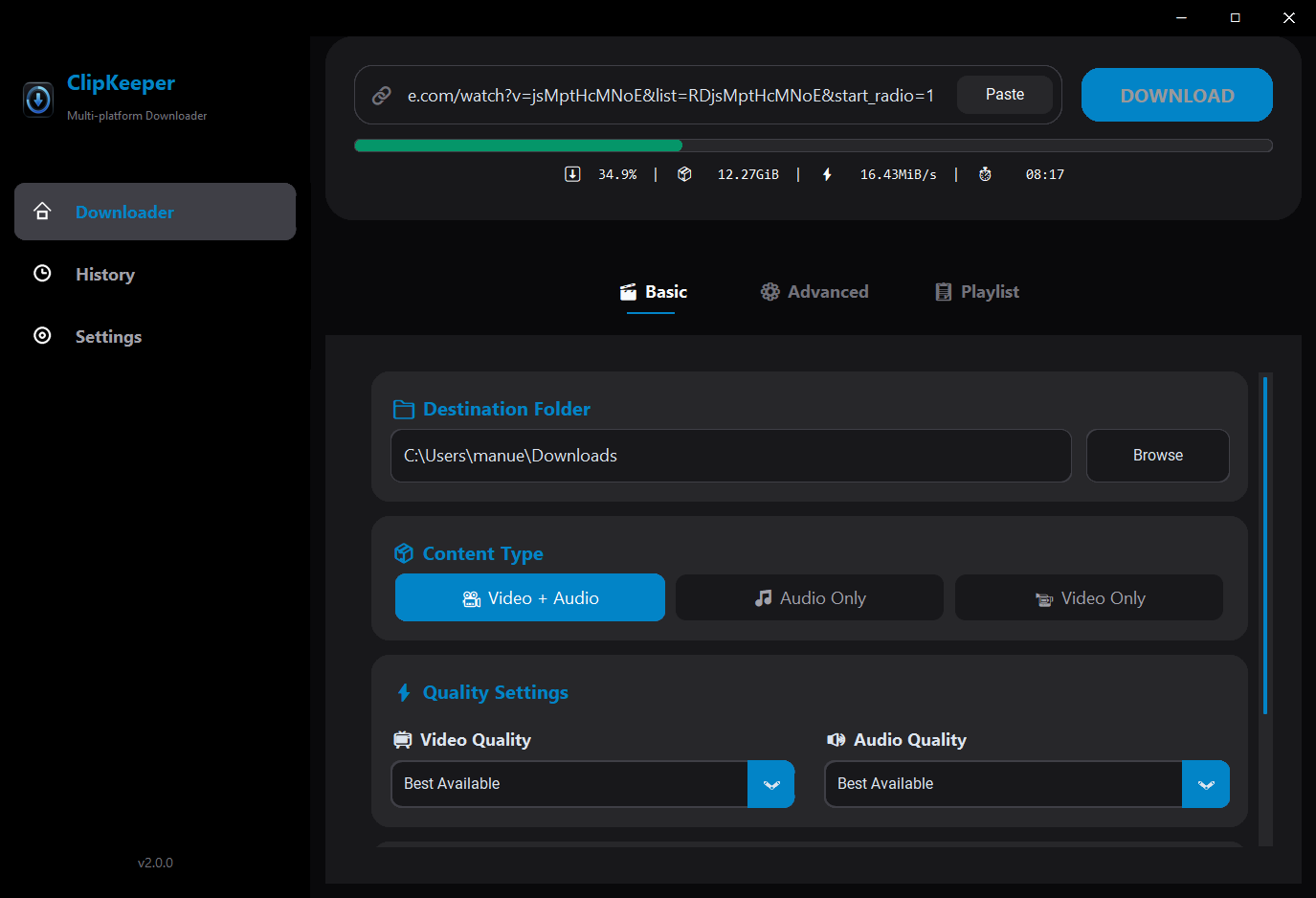
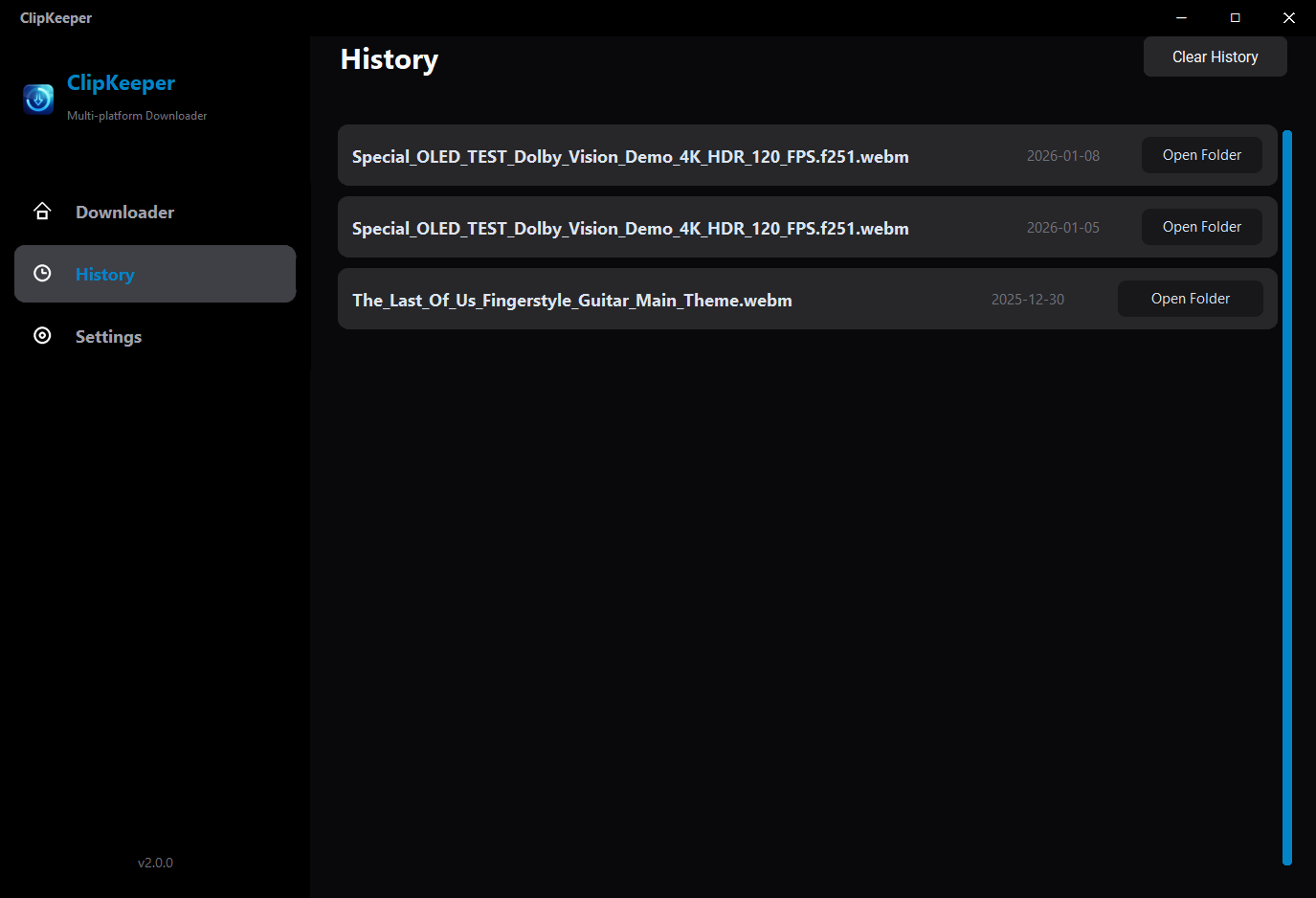
ClipKeeper is a powerful, privacy-focused desktop utility developed by NauticGames™. It serves as a modern graphical interface (GUI) for the industry-standard yt-dlp engine, allowing you to archive your favorite digital content offline in the highest possible quality.
Say goodbye to ad-riddled websites, sketchy pop-ups, and slow servers. ClipKeeper is local, fast, and clean.
Key Features
- Premium Quality: Archive video in up to 4K/8K resolution (depending on source availability).
- Audio Extraction: One-click conversion to high-quality MP3 or WAV for music and podcasts.
- Intelligent Engine: Powered by the robust yt-dlp and FFmpeg for maximum compatibility.
- Clean Experience: No ads, no tracking, no bloatware. Just a tool that works.
- Auto-Setup: The app handles technical dependencies automatically.
Legal Disclaimer
ClipKeeper is a technical tool designed for personal archiving and backup purposes. The user is responsible for complying with the Terms of Service of any third-party platform and respecting copyright laws. NauticGames™ does not condone copyright infringement.
Developed with ❤️ by NauticGames™.
Download
Click download now to get access to the following files: